Text-Based Programming Tutorial
Step-by-step guide to creating interactive programs in JavaScript. English & Hindi included.
1. Introduction to Text-Based Interactive Programs
Text-based interactive programs are an excellent way for students to learn programming logic, practice input/output handling, and develop problem-solving skills without worrying about graphics or complex user interfaces. These programs run in the console or terminal, providing a simple yet powerful learning experience.
Learn more about programming concepts at !Variables, Loops & Conditions
In this tutorial, students will learn step by step how to create text-based interactive programs. Key learning outcomes include:
- Understand console input and output effectively
- Use variables and data types correctly
- Implement conditional statements and loops
- Build menus and interactive prompts
- Validate user input and handle errors
By the end of this section, students will clearly understand how text-based programs work and will be ready to write their first interactive console application.
Welcome to your first text-based program!
2. Getting Started with Console Input/Output
This section teaches how to interact with users using console input/output. Students can practice advanced interactive logic in a browser-based editor.
Interactive Code Editor:
Console output will appear here...
Students can now run advanced interactive programs with colored outputs, loops, arithmetic, and conditional logic directly in the browser.
3. Conditional Logic & Loops
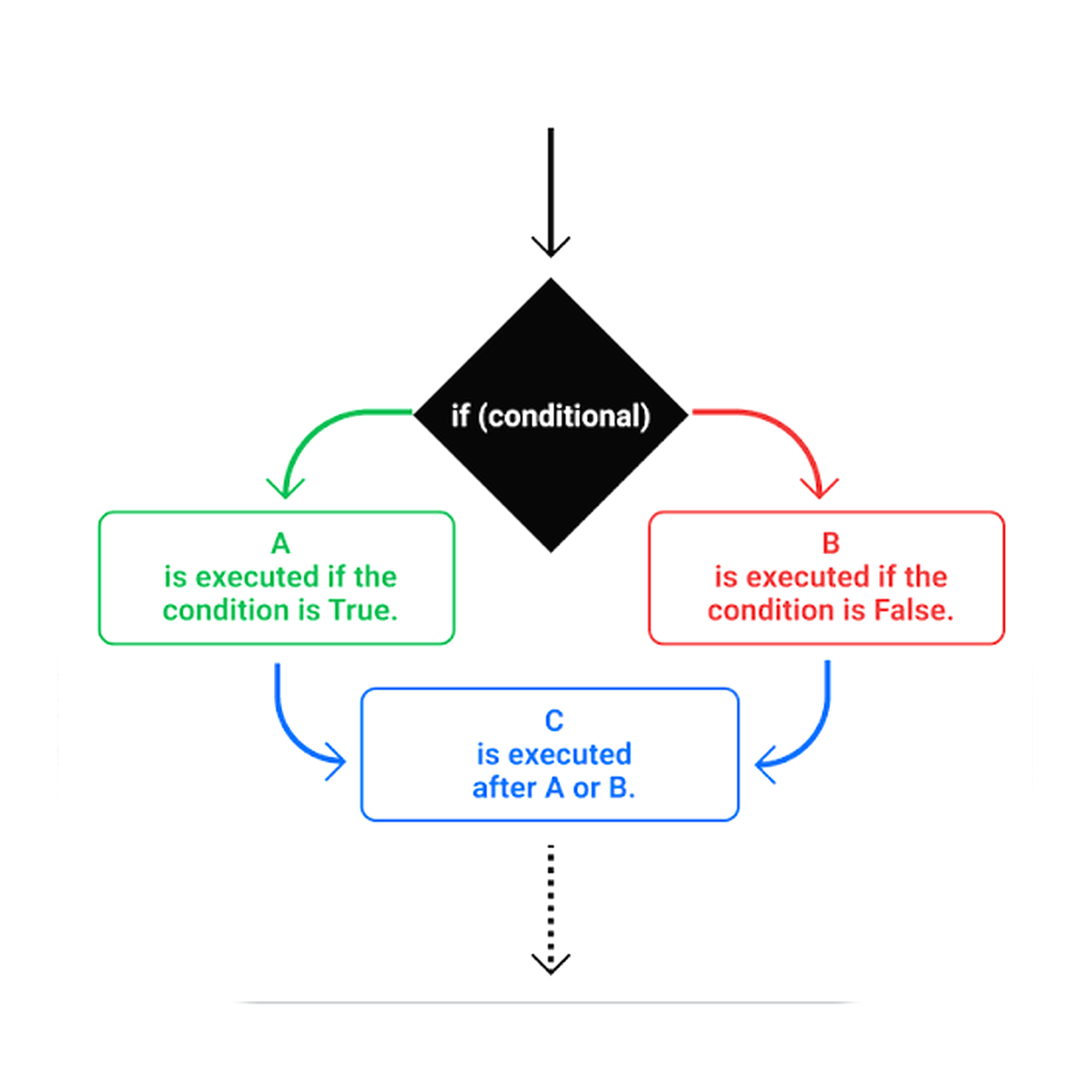
Conditional statements and loops are the backbone of interactive programs. They allow programs to make decisions and repeat actions, making the program dynamic and responsive to user input.
Interactive Code Editor:
Console output will appear here...
With mastery of conditional logic and loops, students can now create interactive games, menus, and responsive programs that react to user input in multiple ways.
4. Building Menus & Interactive Prompts
Menus and interactive prompts allow users to choose different options and navigate through a program efficiently. This is essential for creating text-based games, quizzes, or any multi-option programs.
Learn more about programming concepts at !Variables, Loops & Conditions
Interactive Code Editor:
Console output will appear here...
With mastery of menus and interactive prompts, students can design programs with multiple options, making them highly interactive, user-friendly, and engaging.
5. Combining Everything into a Text-Based Game
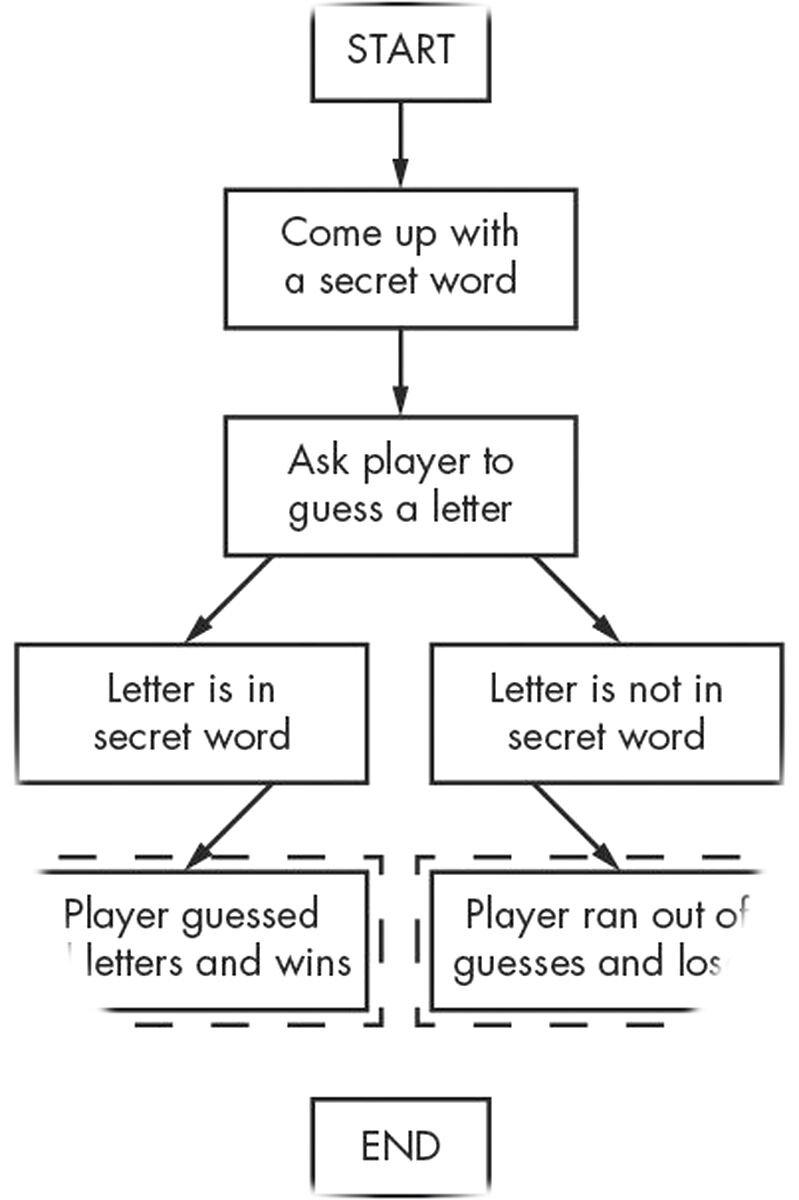
Now that you have learned about conditional logic, loops, menus, and interactive prompts, it’s time to combine all these concepts to build a complete text-based game. Students will get a real experience of creating functional programs.
Interactive Code Editor:
Console output will appear here...
By combining all learned concepts, students can now create functional, interactive, and engaging text-based games with score tracking and multiple options.