
Learn more Python math exercises here: Click Here
Python के और मैथ अभ्यास सीखने के लिए: यहाँ क्लिक करें
Basic Math Programs & Input/Output Practice
Python में बेसिक मैथ प्रोग्राम और इनपुट/आउटपुट अभ्यास
These exercises help beginners practice math operations, user input, and output display in Python. It's an essential step before advancing to AI programming.
ये अभ्यास शुरुआती लोगों को Python में गणितीय ऑपरेशन, उपयोगकर्ता इनपुट और आउटपुट दिखाना सिखाते हैं। AI प्रोग्रामिंग से पहले यह महत्वपूर्ण कदम है।
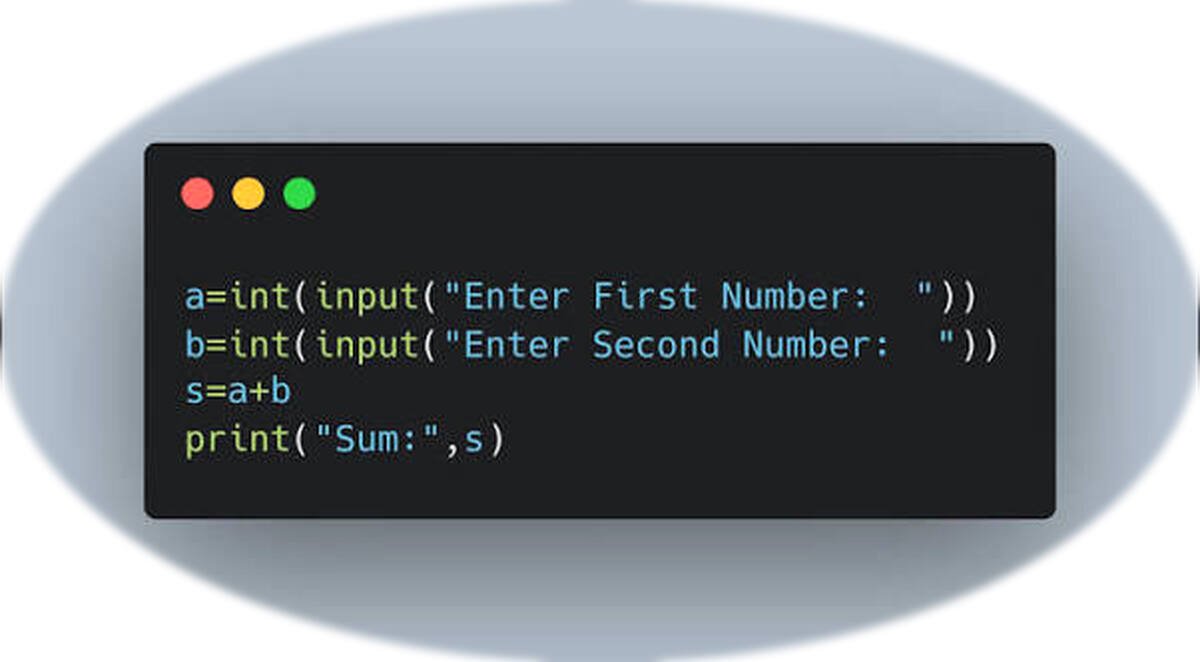
# Addition of two numbers
num1 = int(input("Enter first number: "))
num2 = int(input("Enter second number: "))
sum = num1 + num2
print("Sum:", sum)
This program takes two numbers from the user and prints their sum.
यह प्रोग्राम उपयोगकर्ता से दो नंबर लेता है और उनका जोड़ प्रिंट करता है।
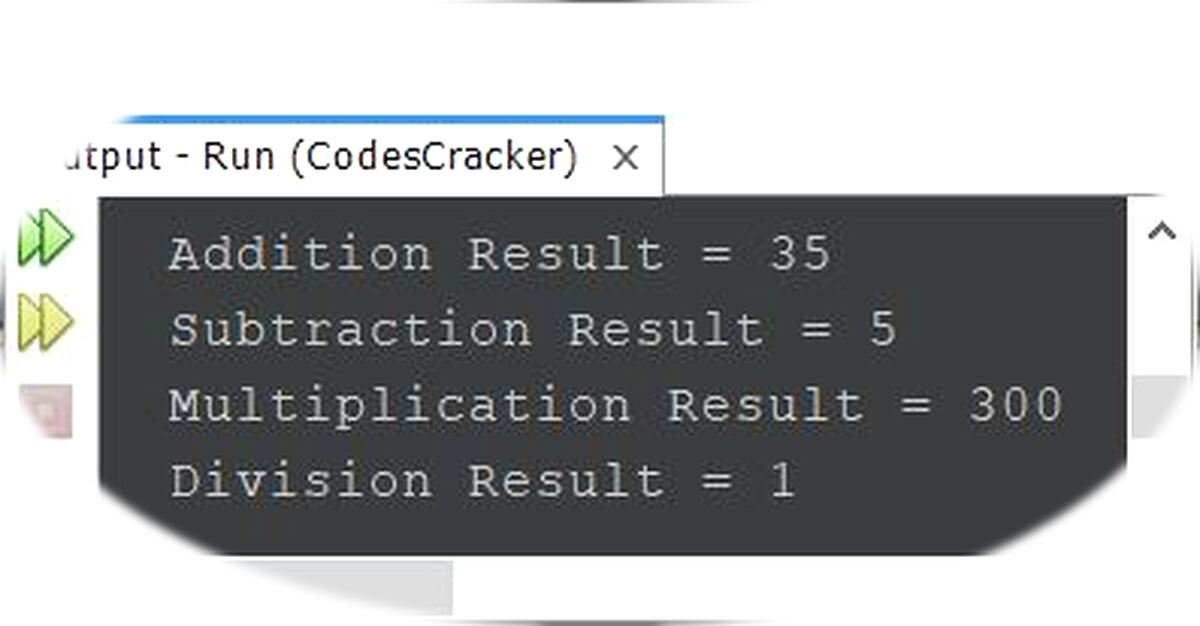
# Subtraction of two numbers
num1 = int(input("Enter first number: "))
num2 = int(input("Enter second number: "))
diff = num1 - num2
print("Difference:", diff)
Subtract the second number from the first and display the result.
पहले नंबर में से दूसरे नंबर को घटाकर परिणाम दिखाएँ।
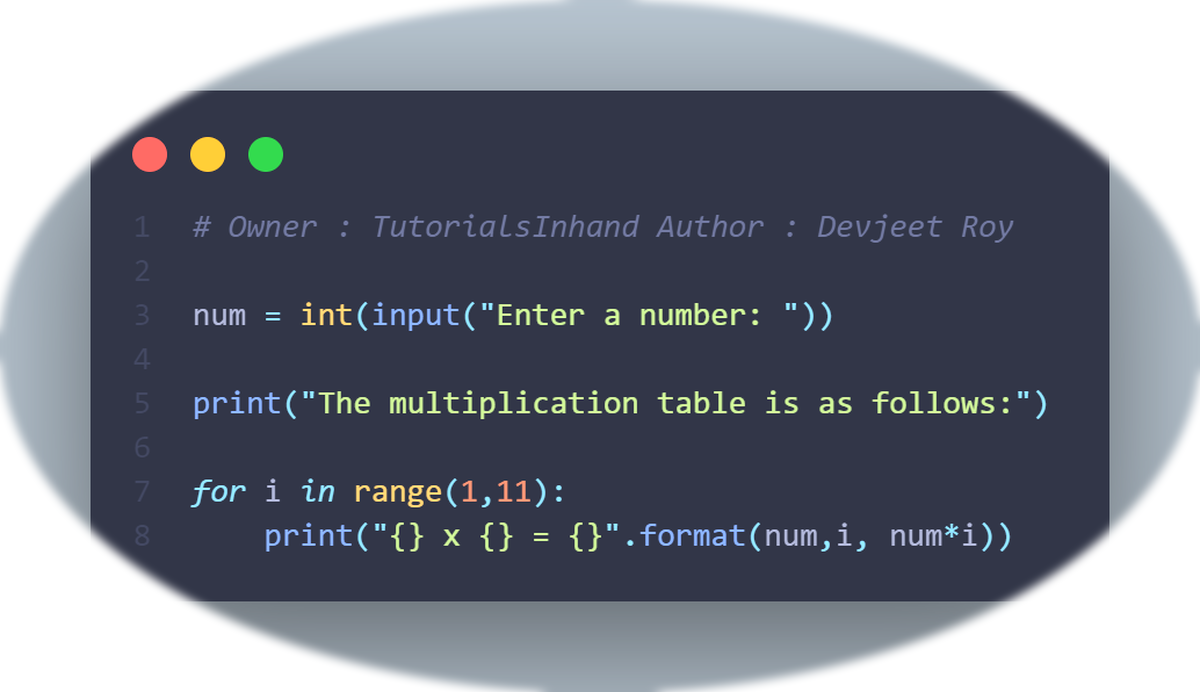
# Multiplication of two numbers
num1 = int(input("Enter first number: "))
num2 = int(input("Enter second number: "))
product = num1 * num2
print("Product:", product)
Multiply two numbers provided by the user and display the product.
उपयोगकर्ता द्वारा दिए गए दो नंबरों को गुणा करें और परिणाम दिखाएँ।
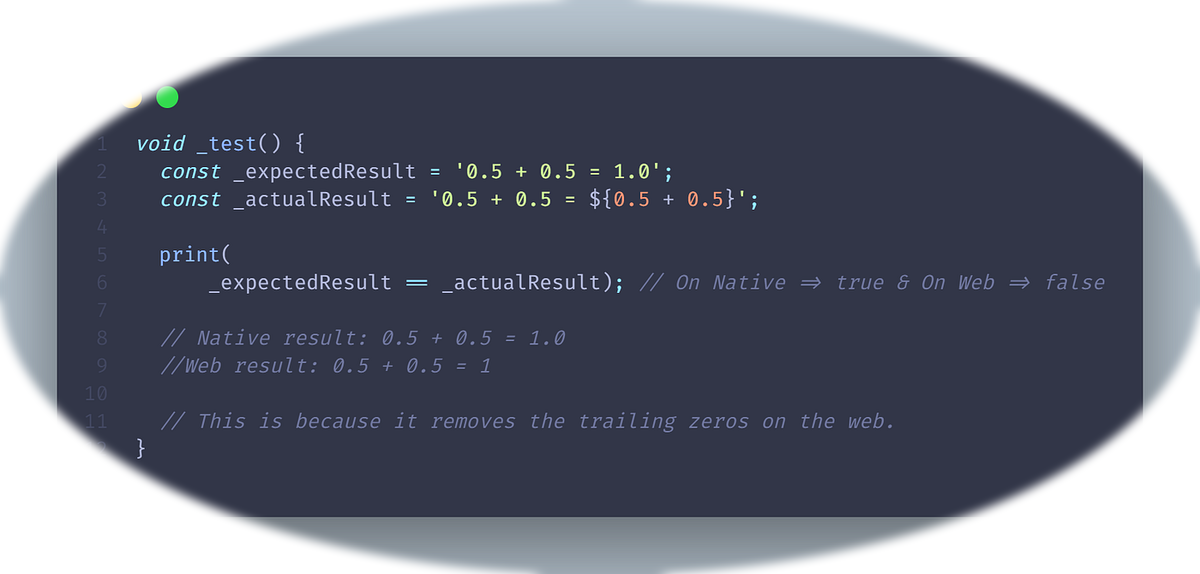
# Division of two numbers
num1 = int(input("Enter first number: "))
num2 = int(input("Enter second number: "))
if num2 != 0:
    div = num1 / num2
    print("Division:", div)
else:
    print("Cannot divide by zero")
Divide two numbers with validation to avoid division by zero.
दो नंबरों को भाग करें और शून्य से भाग करने से बचने के लिए जांच करें।
1. Create a program to ask user for length and width of a rectangle, then print the area and perimeter.
2. Write a program to take temperature in Celsius from user and convert it to Fahrenheit.
3. Build a simple calculator that takes two numbers and an operator (+, -, *, /) and prints the result.
1. एक प्रोग्राम बनाएं जो उपयोगकर्ता से आयत की लंबाई और चौड़ाई पूछे, फिर क्षेत्रफल और परिमाप प्रिंट करे।
2. एक प्रोग्राम लिखें जो उपयोगकर्ता से सेल्सियस में तापमान ले और उसे फ़ारेनहाइट में बदलें।
3. एक साधारण कैलकुलेटर बनाएं जो दो नंबर और ऑपरेटर (+, -, *, /) ले और परिणाम दिखाए।