More AI calculator projects: Click Here
और AI कैलकुलेटर प्रोजेक्ट्स के लिए: यहाँ क्लिक करें
Practical Project: AI-powered Calculator
प्रैक्टिकल प्रोजेक्ट: AI-पावर्ड कैलकुलेटर
This project guides beginners to build an AI-powered calculator using Python. The calculator performs basic arithmetic operations and suggests possible results based on user input. Perfect for hands-on AI learning.
यह प्रोजेक्ट शुरुआती लोगों को Python का उपयोग करके AI-पावर्ड कैलकुलेटर बनाने में मार्गदर्शन करता है। यह बेसिक अंकगणितीय संचालन करता है और उपयोगकर्ता इनपुट के आधार पर संभावित परिणाम सुझाता है।
# Basic calculator
num1 = float(input("Enter first number: "))
num2 = float(input("Enter second number: "))
print("Sum:", num1 + num2)
print("Difference:", num1 - num2)
print("Product:", num1 * num2)
print("Division:", num1 / num2)
This basic calculator handles addition, subtraction, multiplication, and division.
यह बेसिक कैलकुलेटर जोड़, घटाव, गुणा और भाग करने में सक्षम है।
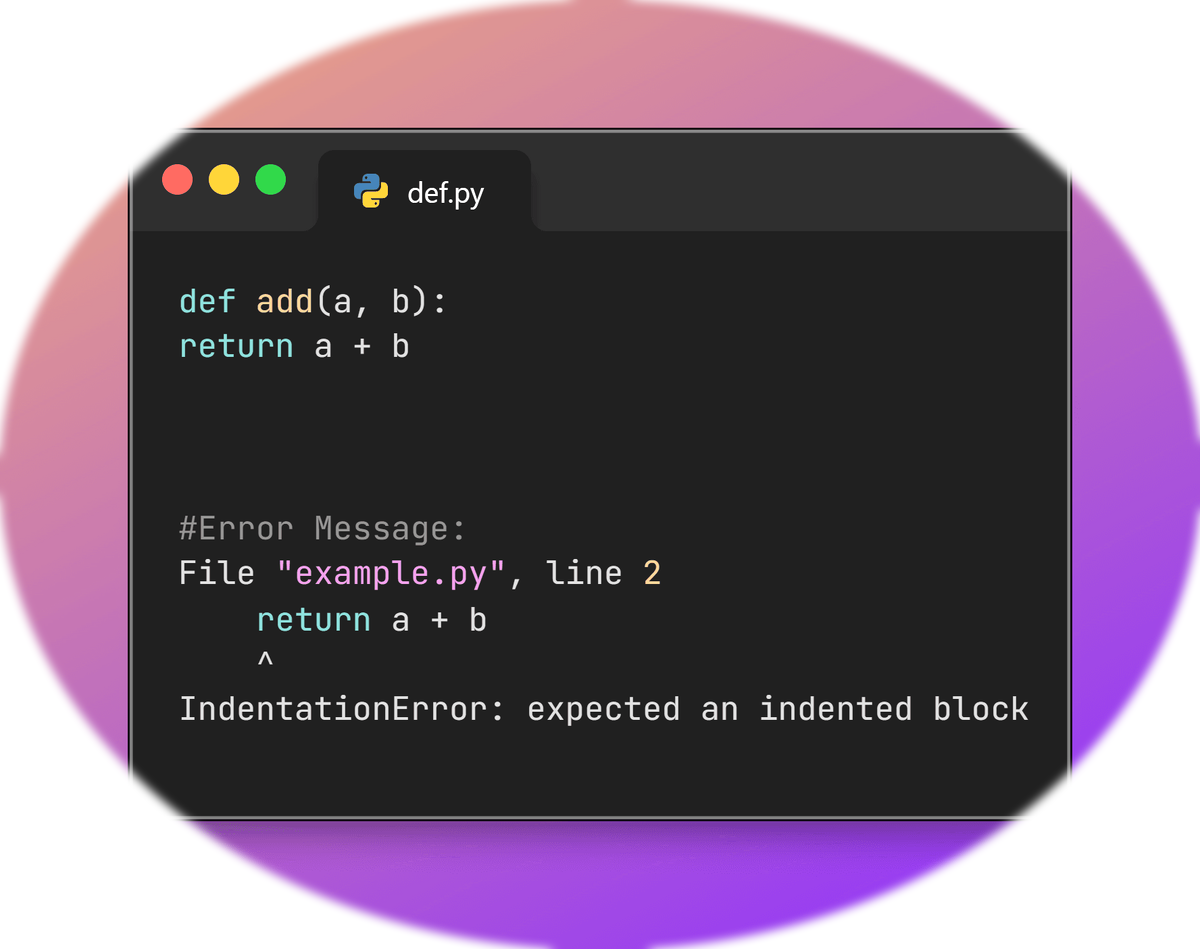
# Using functions for operations
def add(a,b):
    return a+b
def subtract(a,b):
    return a-b
def multiply(a,b):
    return a*b
def divide(a,b):
    return a/b

x = float(input("Enter first number: "))
y = float(input("Enter second number: "))
print("Addition:", add(x,y))
print("Multiplication:", multiply(x,y))
Functions make the calculator modular and easier to manage as projects grow.
Functions कैलकुलेटर को modular बनाते हैं और बड़े प्रोजेक्ट्स में प्रबंधन आसान करते हैं।

# AI-powered suggestions
num1 = float(input("Enter a number: "))
num2 = float(input("Enter another number: "))
operation = input("Choose operation (add, sub, mul, div): ").lower()

if operation == "add":
    result = num1 + num2
elif operation == "sub":
    result = num1 - num2
elif operation == "mul":
    result = num1 * num2
elif operation == "div":
    result = num1 / num2
else:
    result = "Unknown operation"

print("Result:", result)

# Suggestion
if result != "Unknown operation":
    print("Suggestion: You can also try swapping numbers for different outcome!")
The AI-powered suggestion encourages the user to explore different calculations for learning purposes.
AI-सुझाव उपयोगकर्ता को विभिन्न कैलकुलेशन आज़माने के लिए प्रोत्साहित करता है।

# Continuous calculation loop
while True:
    x = float(input("Enter first number: "))
    y = float(input("Enter second number: "))
    op = input("Operation (add, sub, mul, div) or 'exit': ").lower()
    if op == "exit":
        print("Calculator closed.")
        break
    if op=="add": print("Result:", x+y)
    elif op=="sub": print("Result:", x-y)
    elif op=="mul": print("Result:", x*y)
    elif op=="div": print("Result:", x/y)
    else: print("Invalid operation")
Adding a loop allows the user to perform multiple calculations until they choose to exit.
Loop जोड़ने से उपयोगकर्ता कई कैलकुलेशन कर सकता है जब तक कि वह exit न करे।